Cyntree AI Assist
Say it in a sentence. Assist drafts the rest.
Services, invoices, client forms and email campaigns, drafted from one line. Nothing goes live until you have checked it.
Nothing goes live until you say so.
Describe a service in a sentence and Assist writes the rest. Then it waits for you.
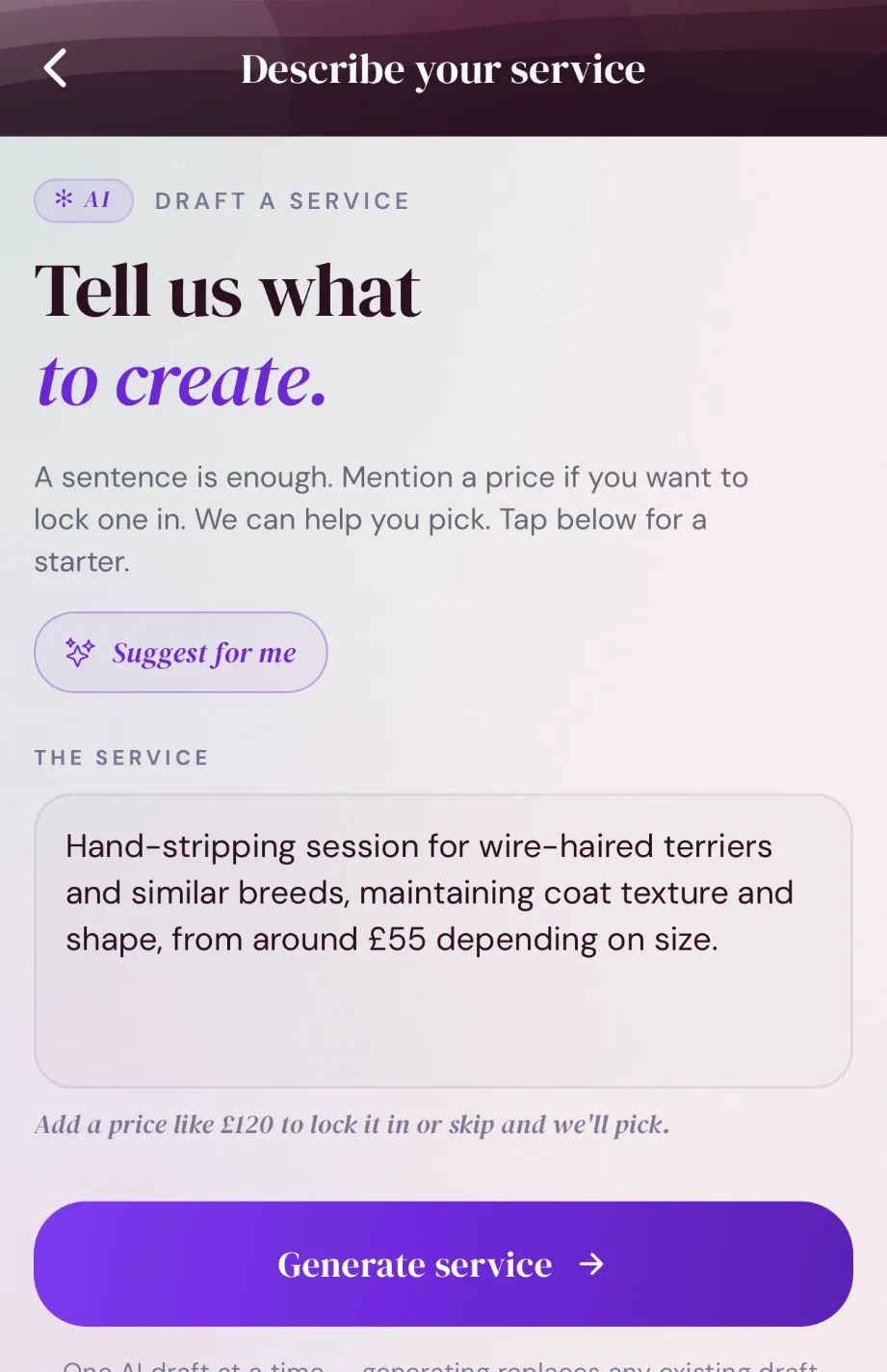
You type
One sentence, with a rough price if you have one.
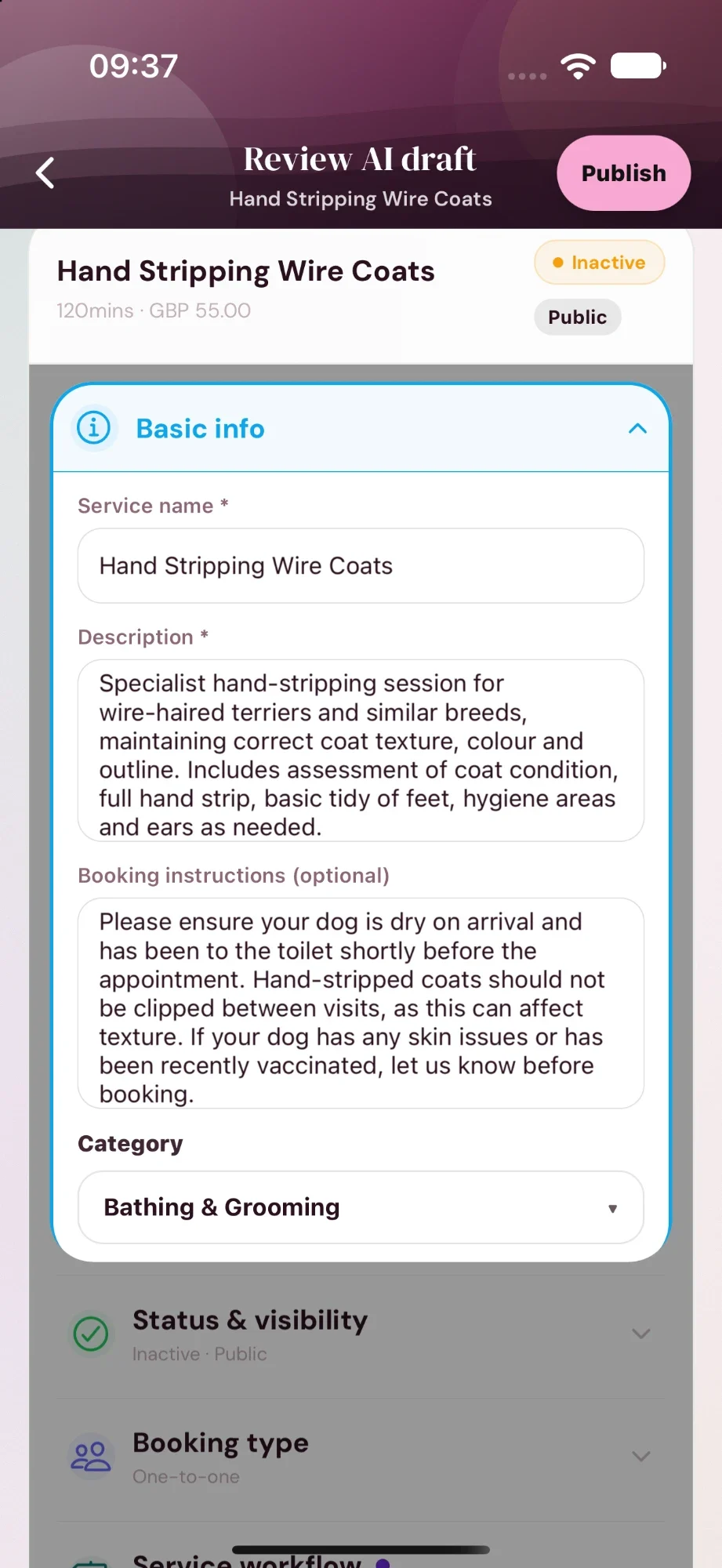
Assist writes
Name, description, booking instructions, category, price and duration.
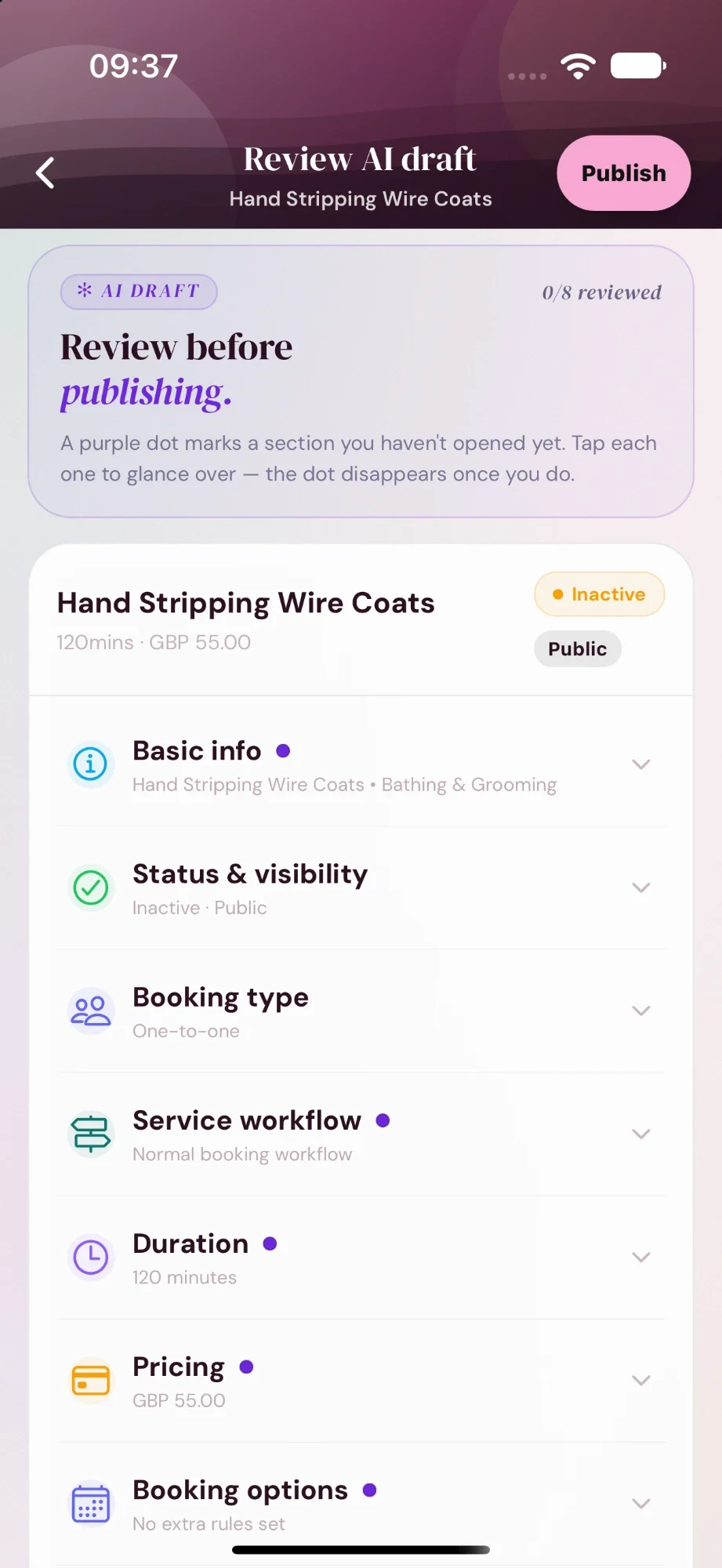
You check
A dot sits on each section until you have opened it.
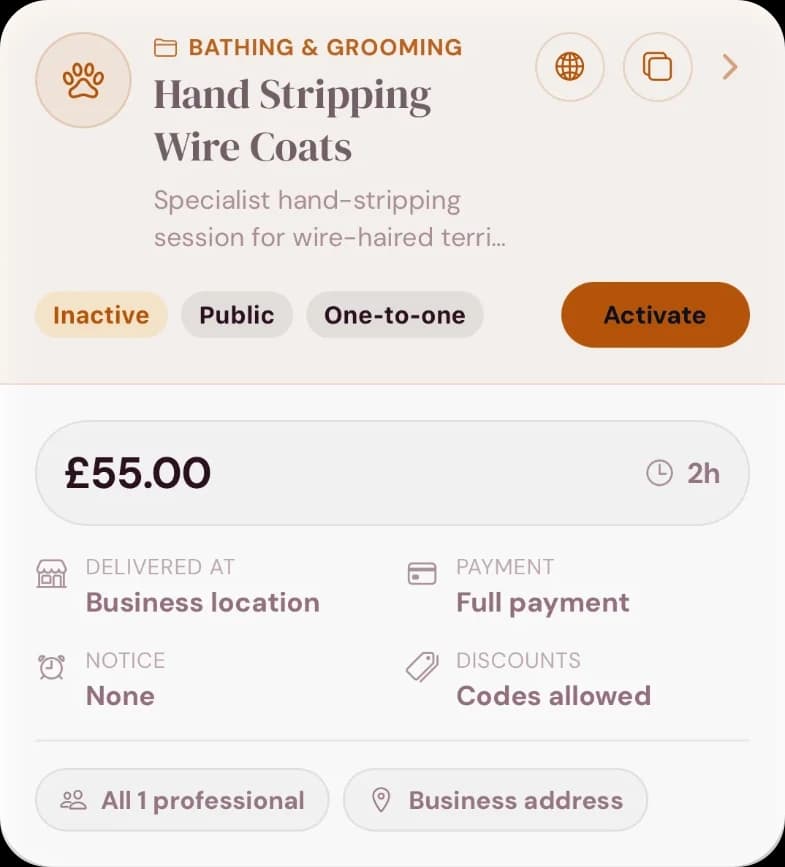
You switch it on
It stays off your booking page until you tap Activate.
Campaigns get the same care: a marketing check before they can send, and again if you change a word.
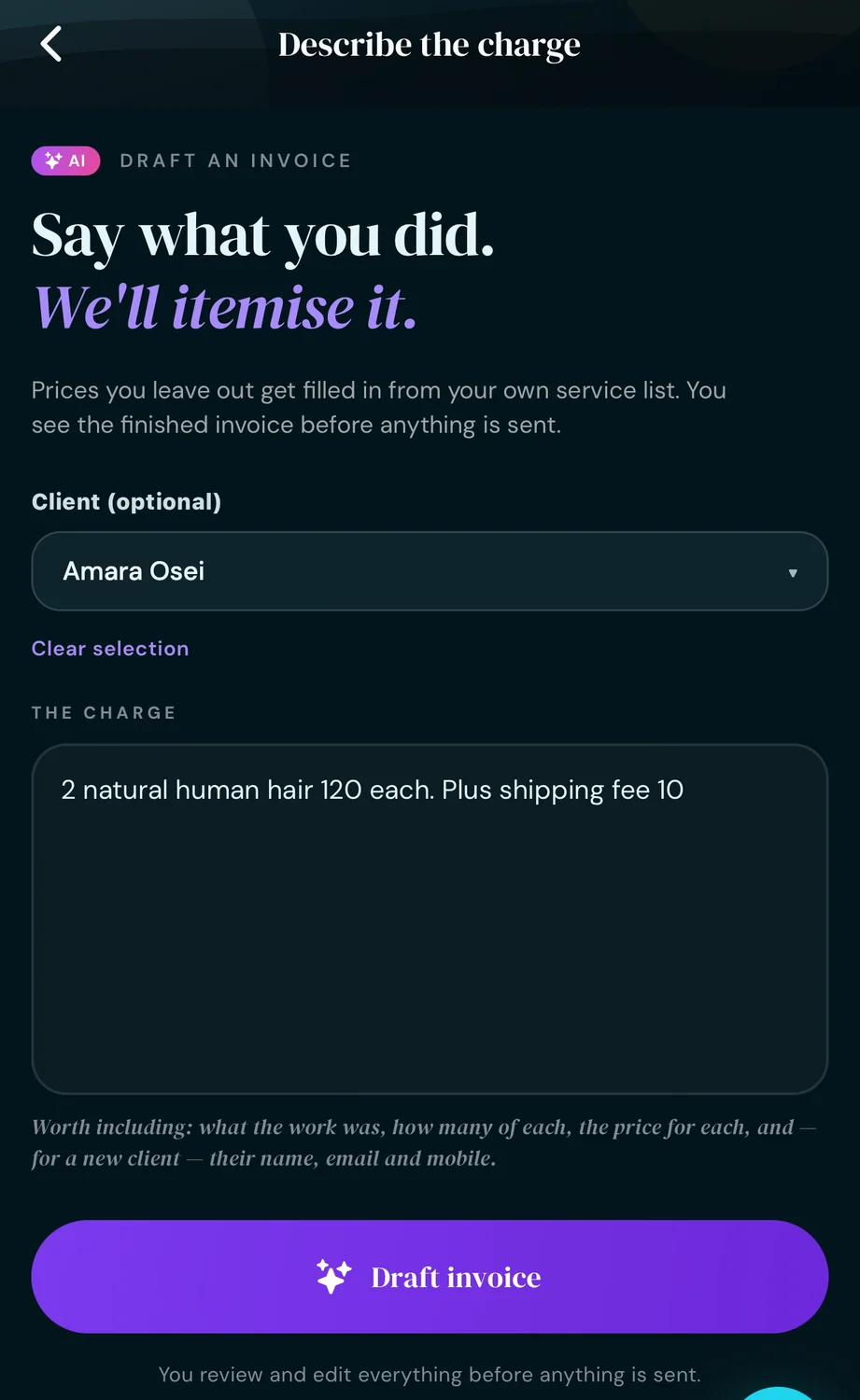
Say what you did. Assist itemises it.
Quick Invoice is on every plan. On Pro, you can type the job the way you would text it and get a finished invoice back.
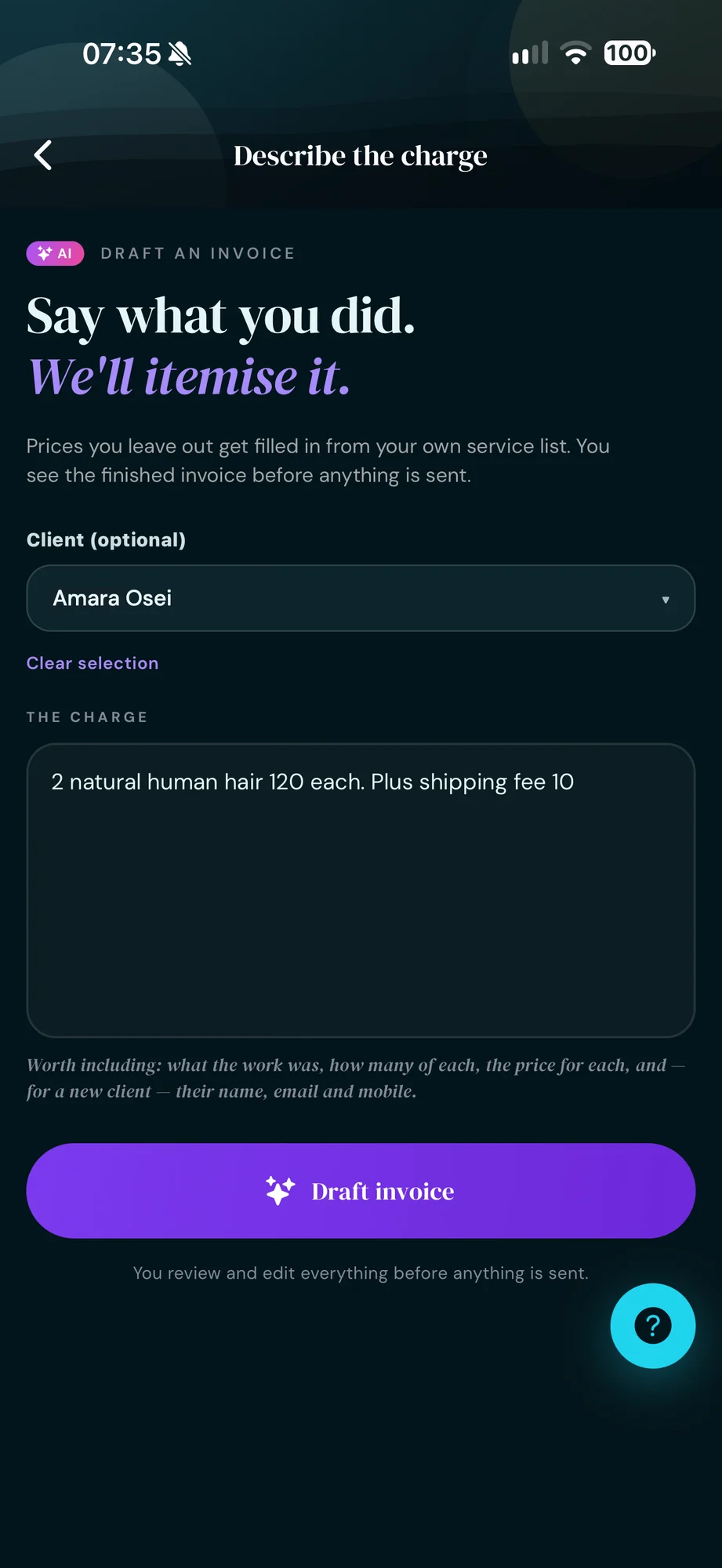
Type it like a text
Leave a price out and it comes from your own service list.
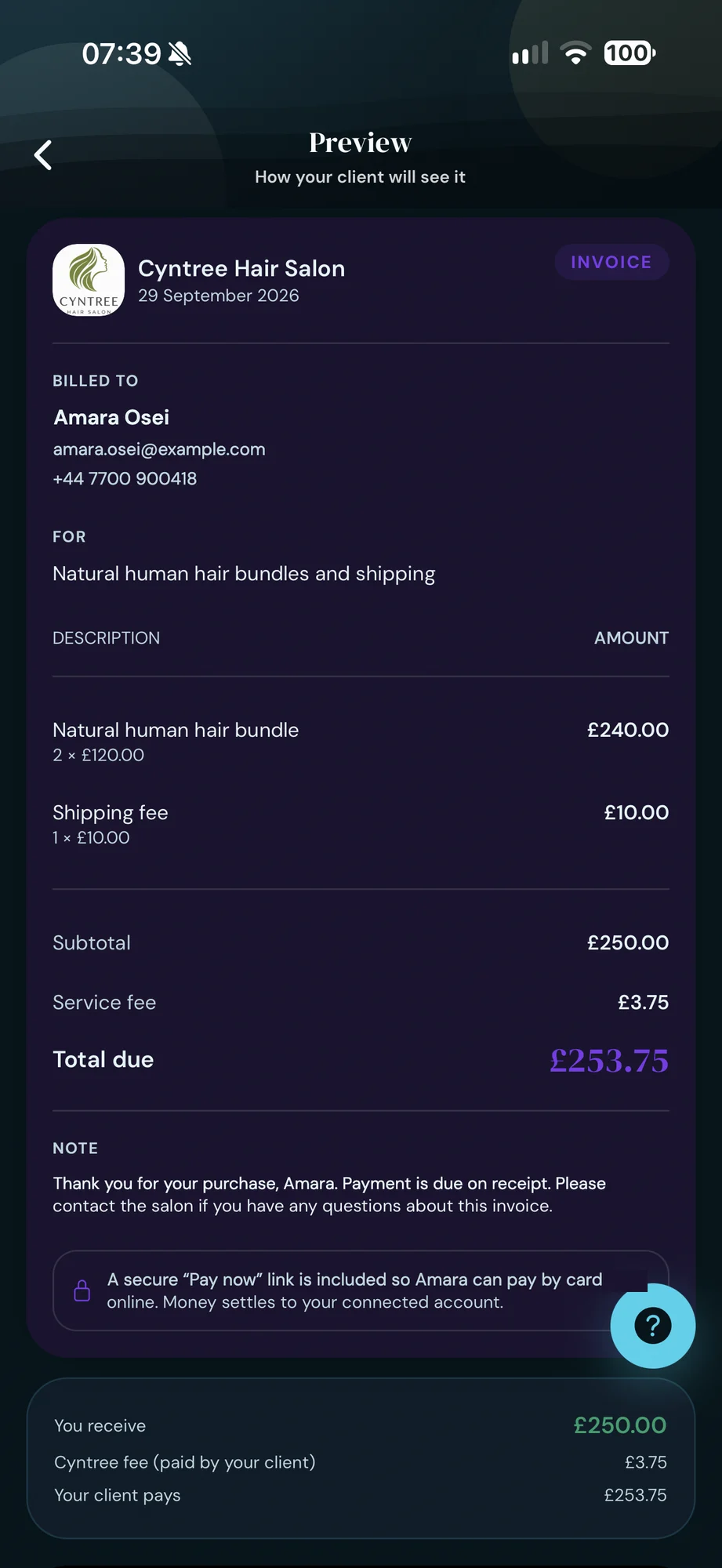
See the client's copy
Line items, quantities and the total, exactly as they will get it.
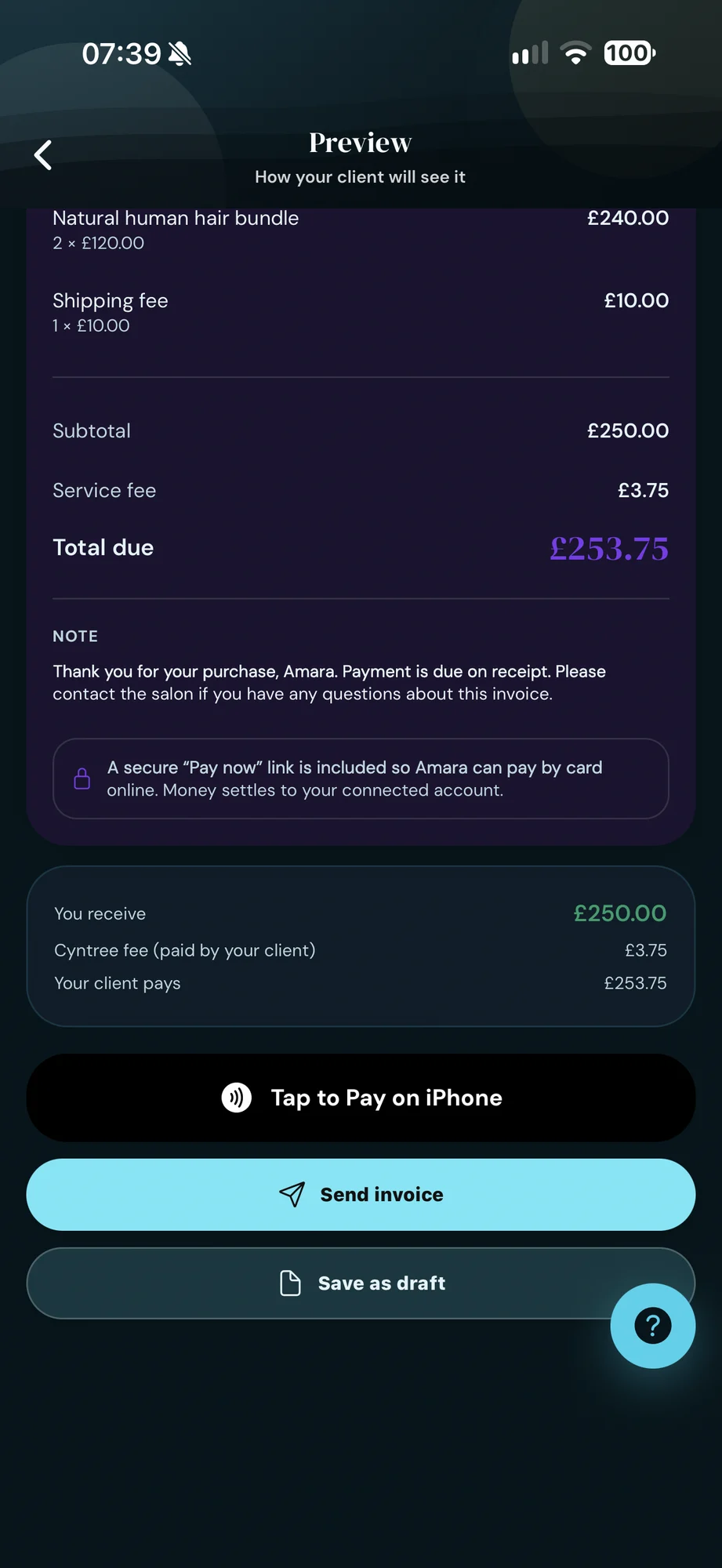
Send it or take payment
Email it with a secure pay link, or get paid there and then.
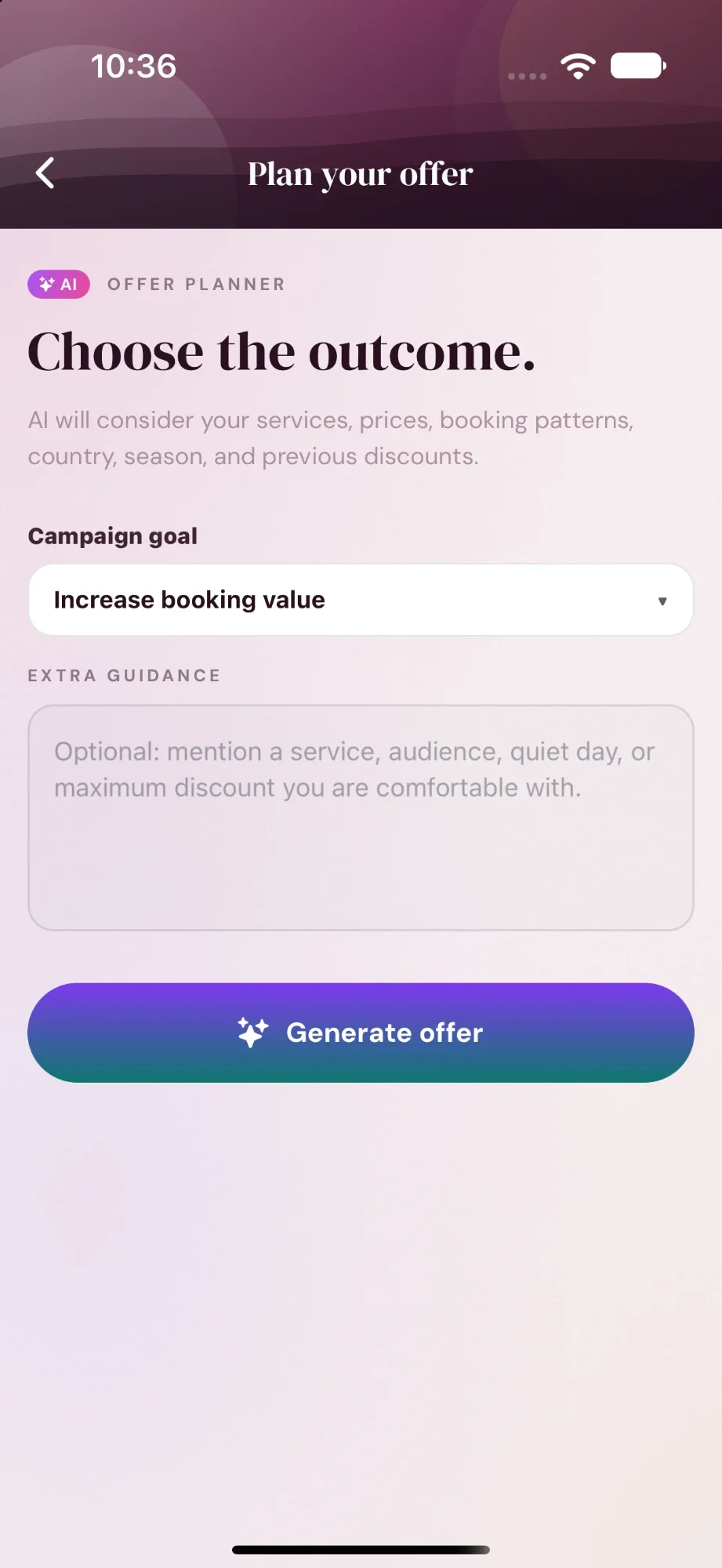
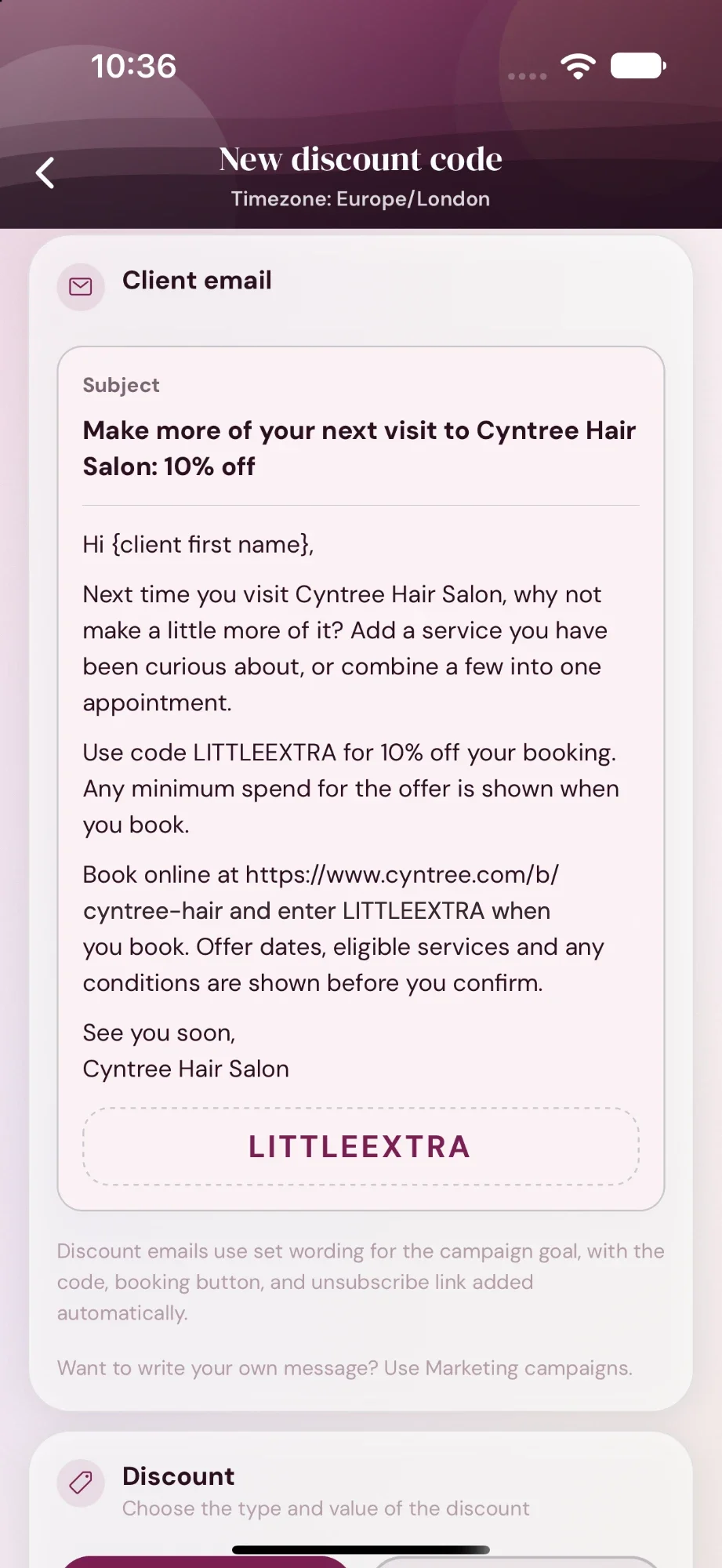
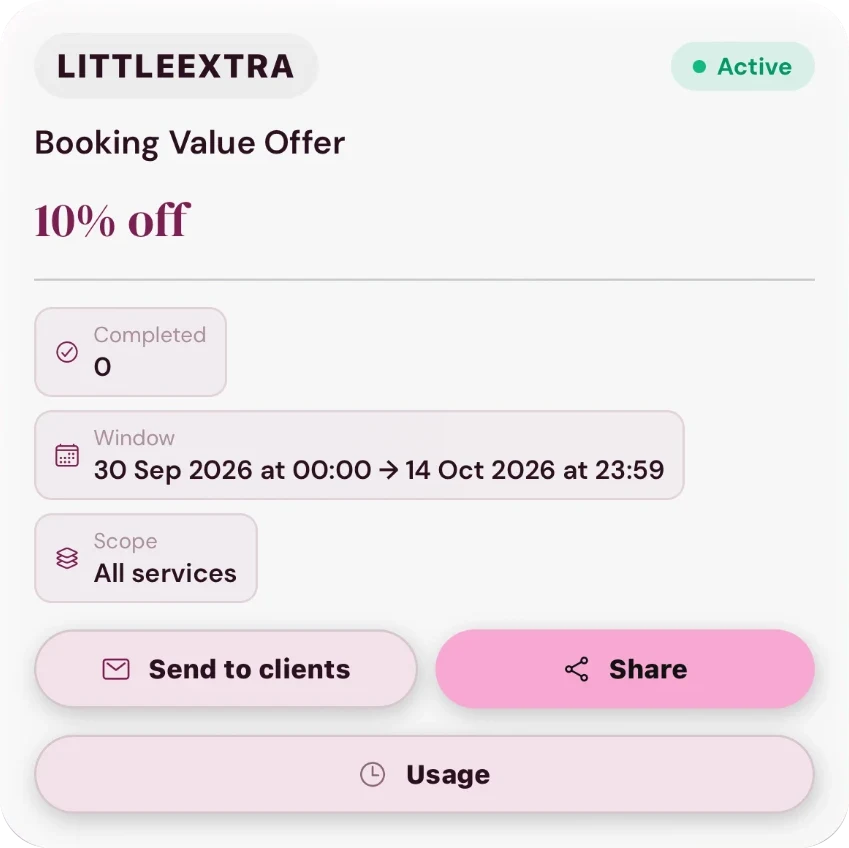
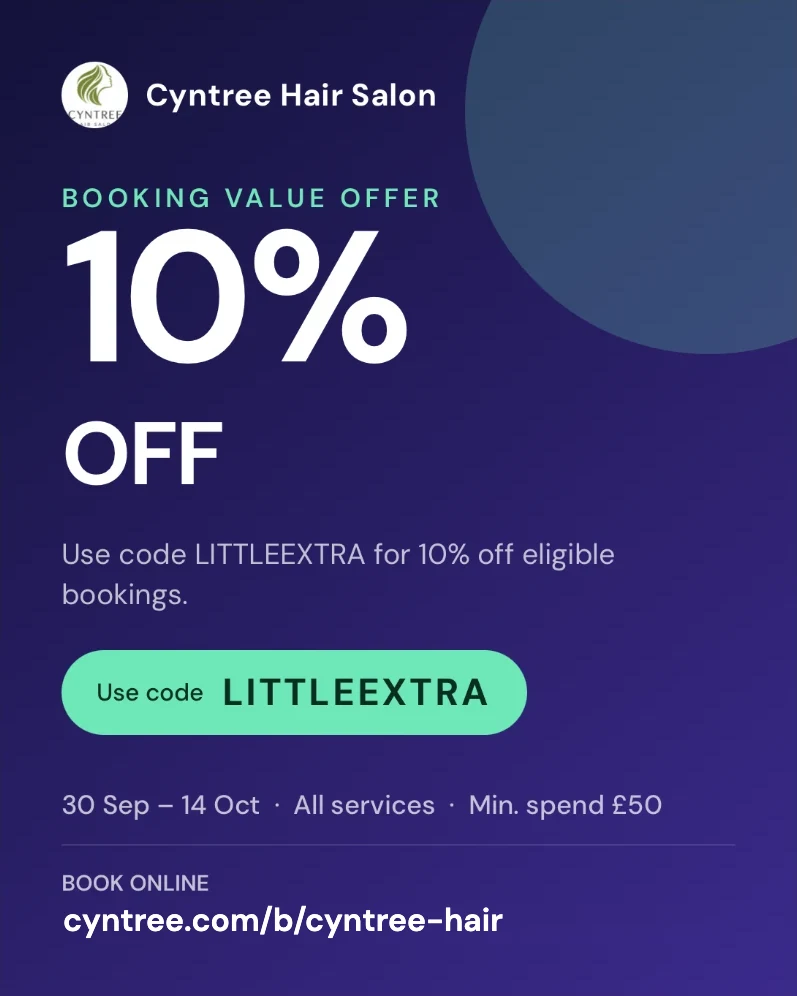
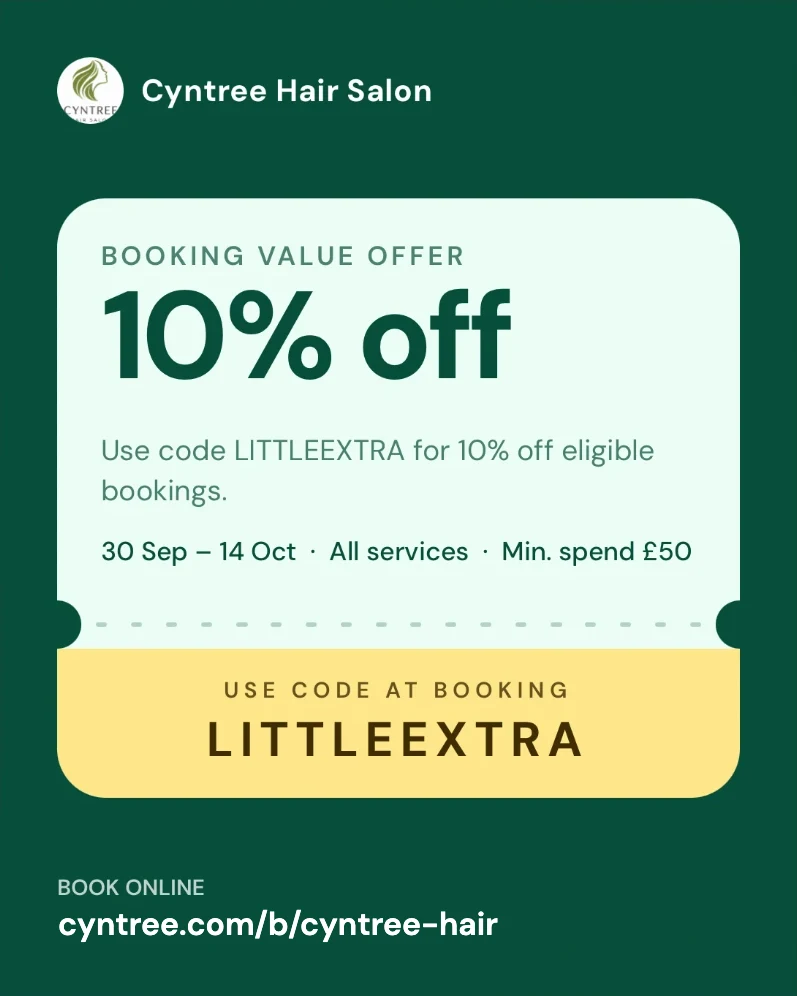
Pick the outcome. Assist builds the offer.
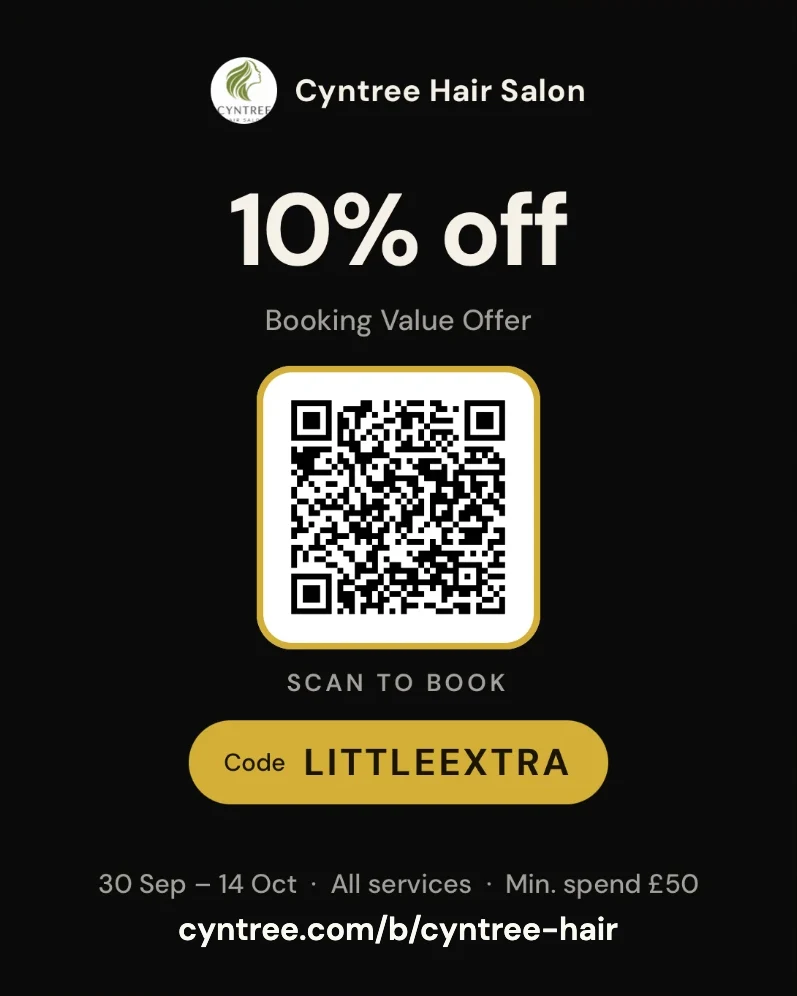
It looks at your services, prices, booking patterns, the season and your past discounts, then suggests the code, the amount and the rules. Pro.
- Sensible by default
- Drafted offers are capped conservatively, and you can add a minimum spend, a maximum saving and a limit per client.
- Timed to the day
- Start and end dates in your own timezone, or leave the end open.
- On your booking page
- Switch on a banner to show the code to everyone who visits.
- Emailed for you
- Send it to clients who opted in. The code and a booking button are added for you.
Forms that ask the right questions, then read the answers.
Intake, consultation and consent forms for any service. Premium.
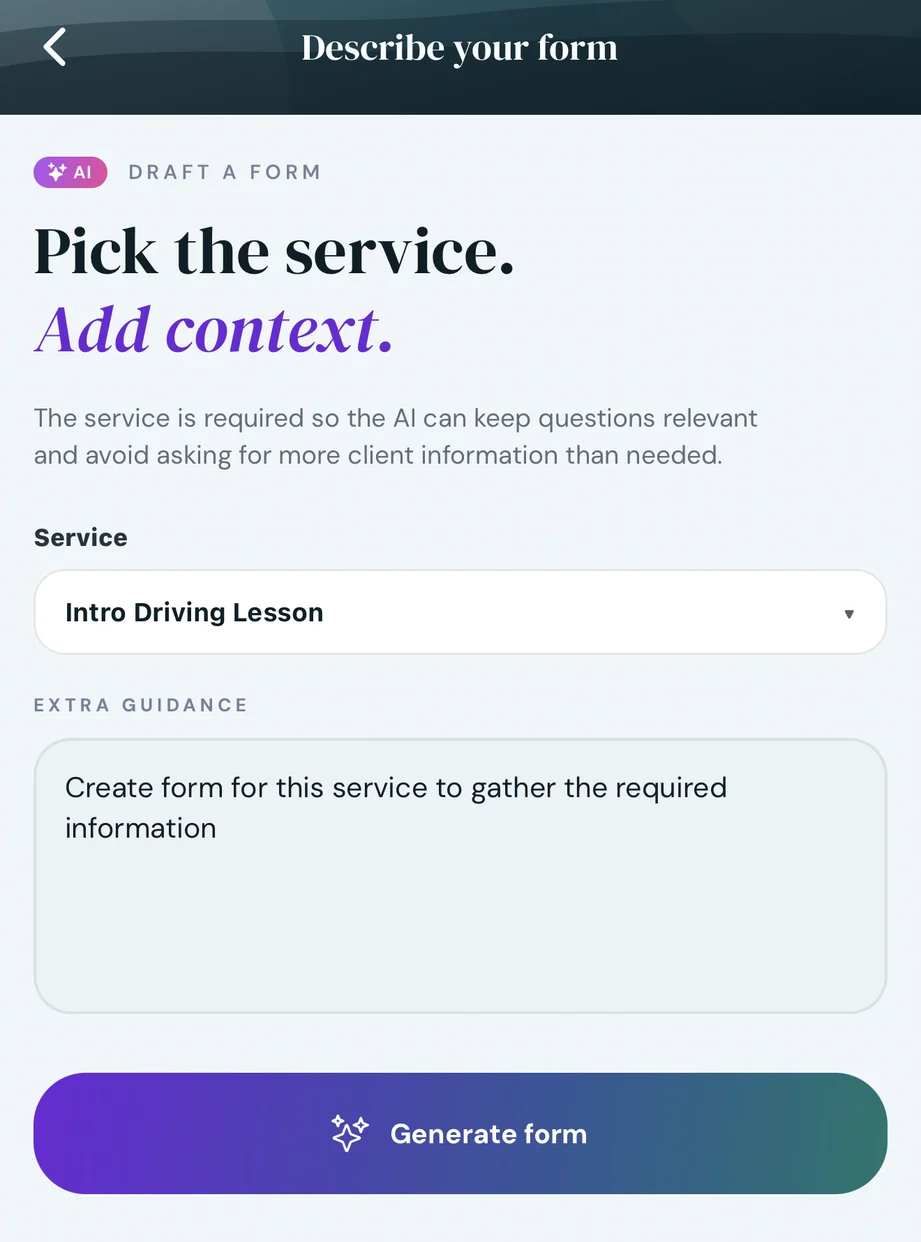
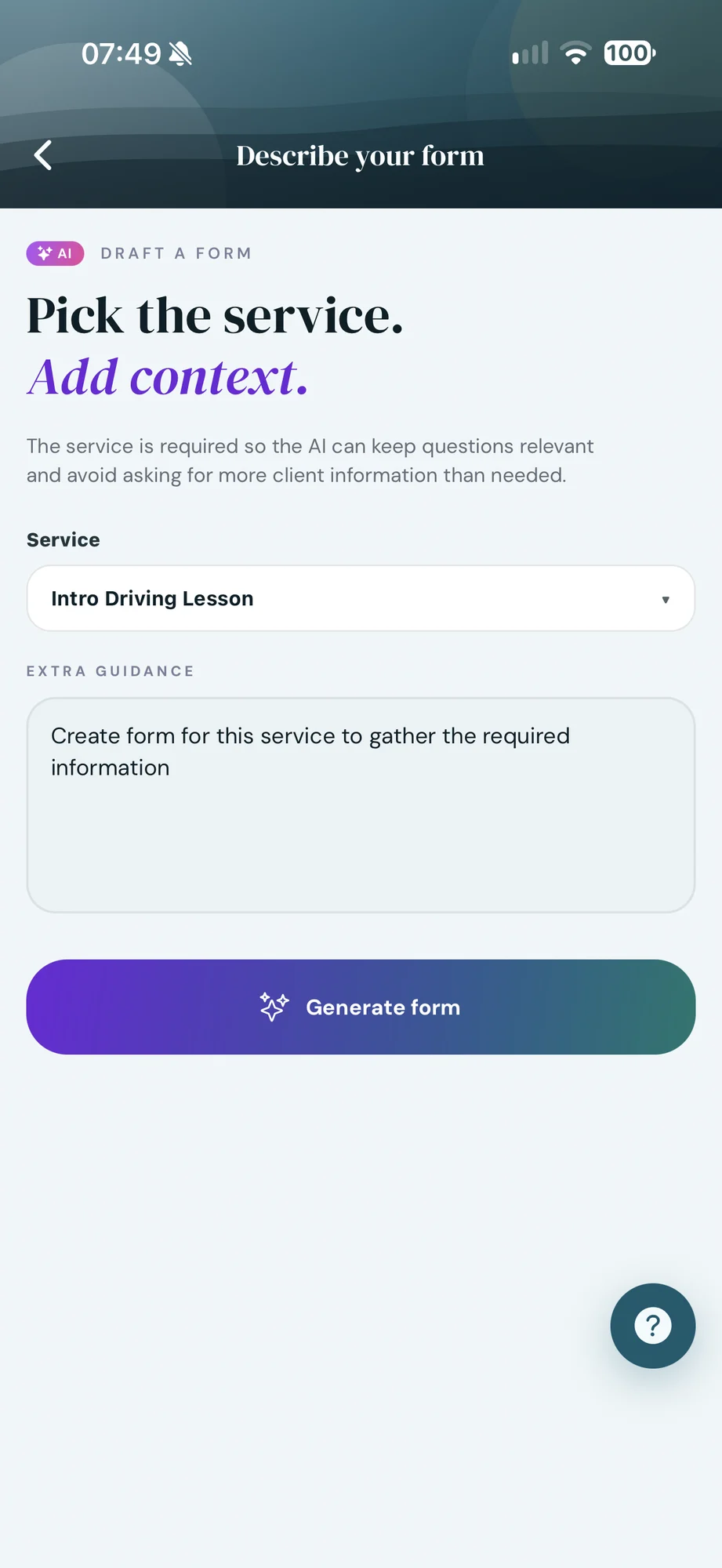
Pick the service. Add a line of context.
Say what you need to know before the appointment. Assist already knows the service, so a sentence is enough.
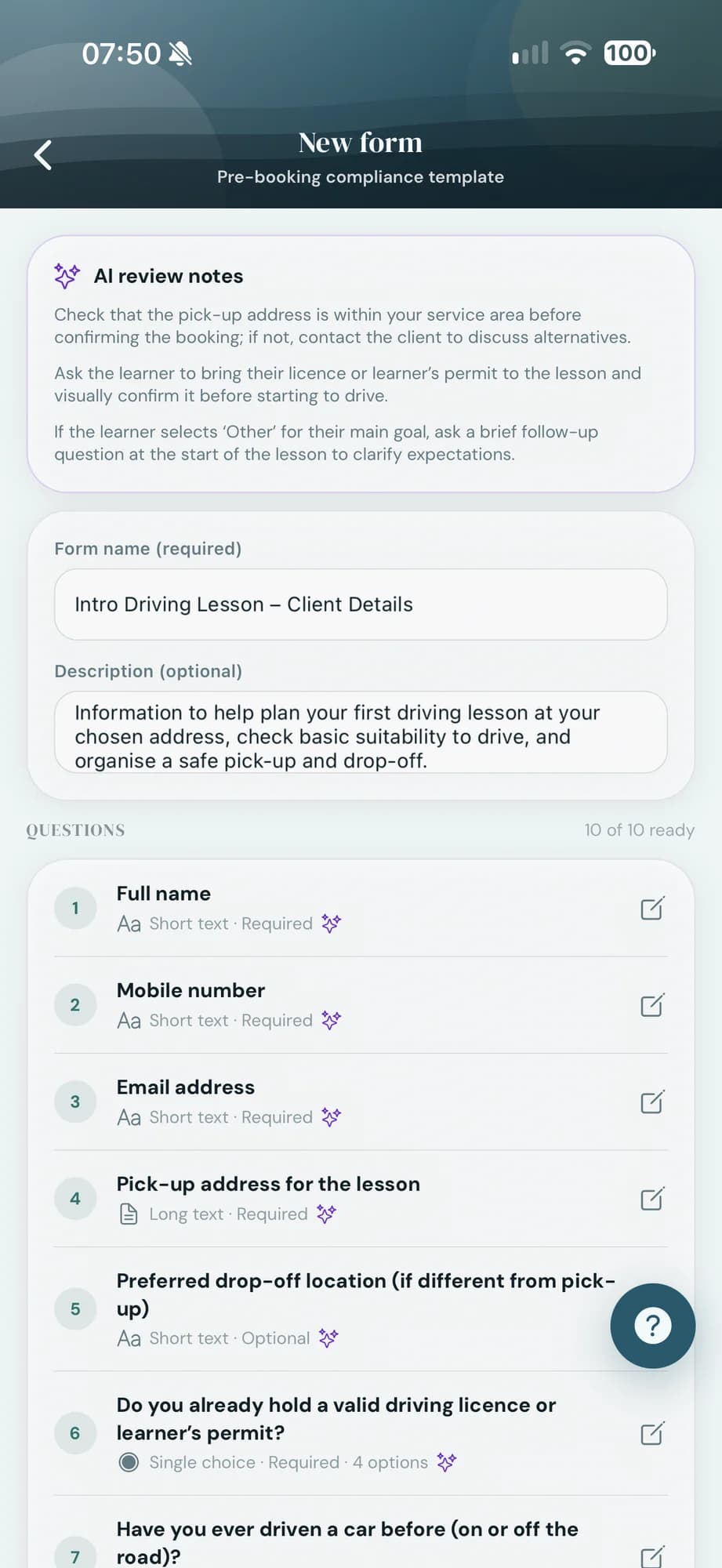
Assist writes the questions.
Ten questions with help text and a consent statement, plus review notes on what to double-check before you use it.
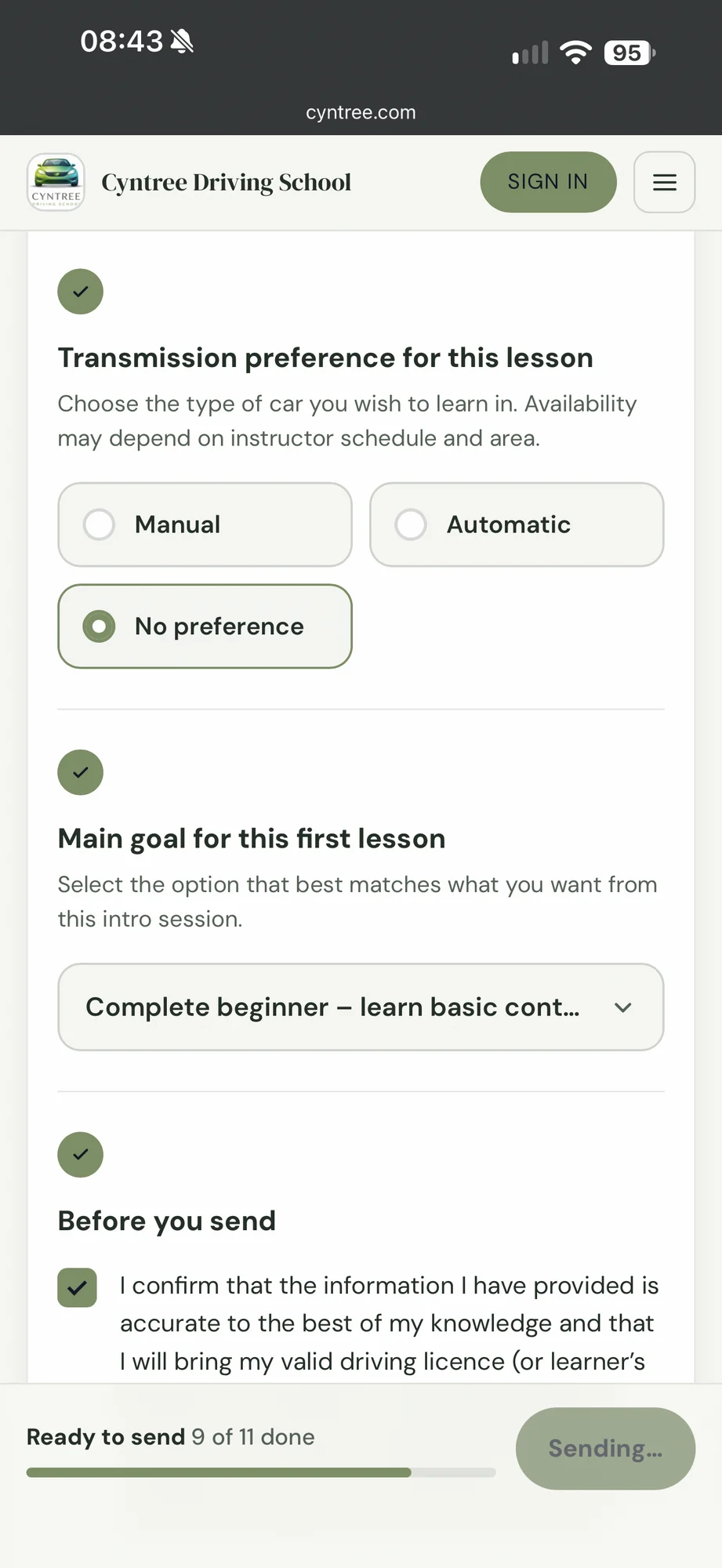
Clients fill it in before they arrive.
Attach the form to a service and it goes out after every confirmed booking, or send it to any client yourself.
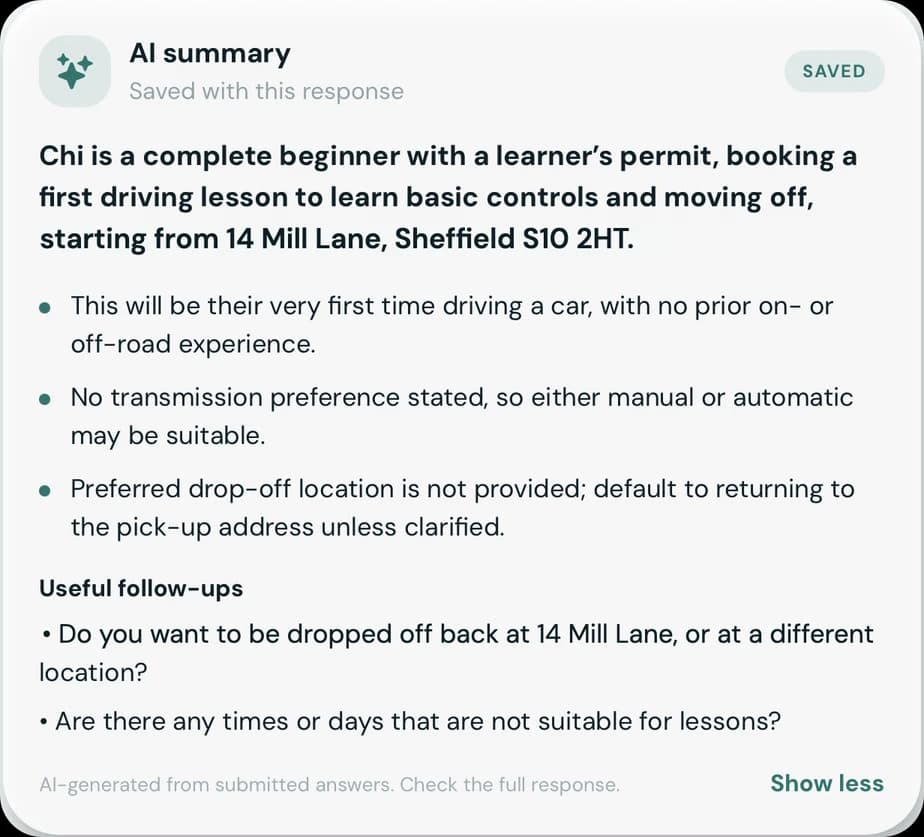
Assist reads the answers back to you.
A short summary of what matters, the gaps worth asking about, and the full response underneath.
Email campaigns, drafted from the goal.
Up to four campaigns a month to clients who opted in. Premium.
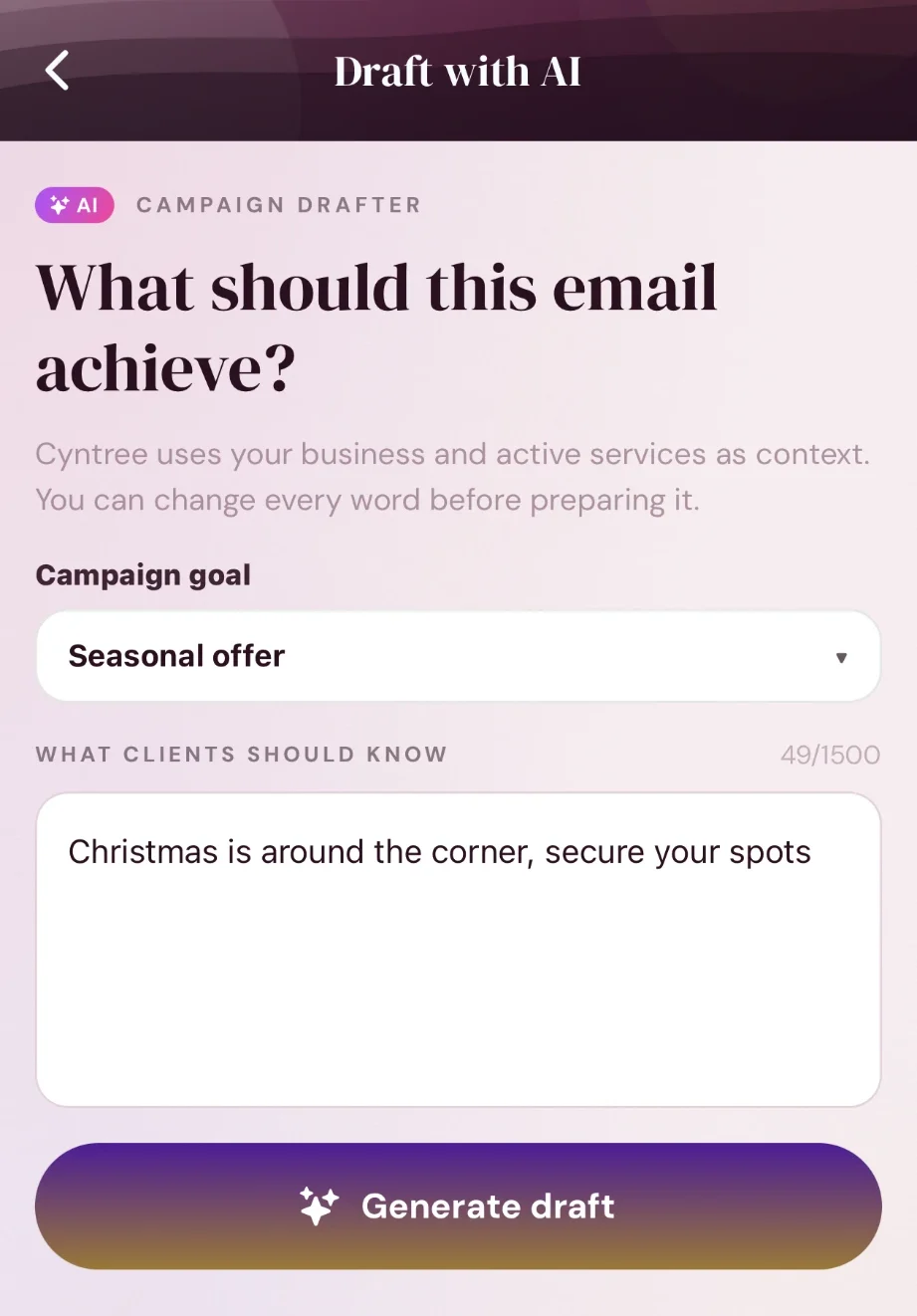
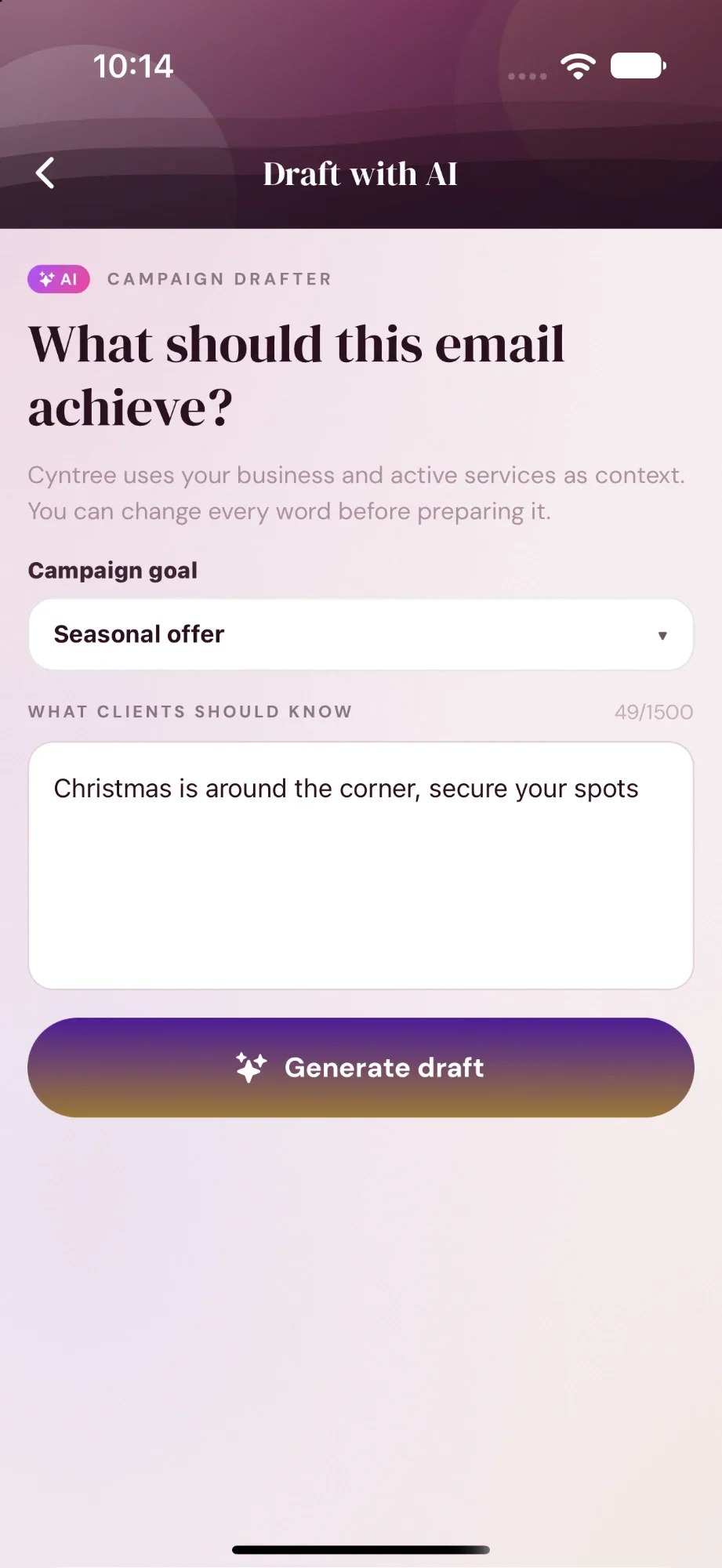
Pick a goal. Say what clients should know.
Assist uses your business and active services as context, and you can change every word.
- Promote a service
- Seasonal offer
- Fill quiet days
- Win back past clients
- Thank your clients
- News or update
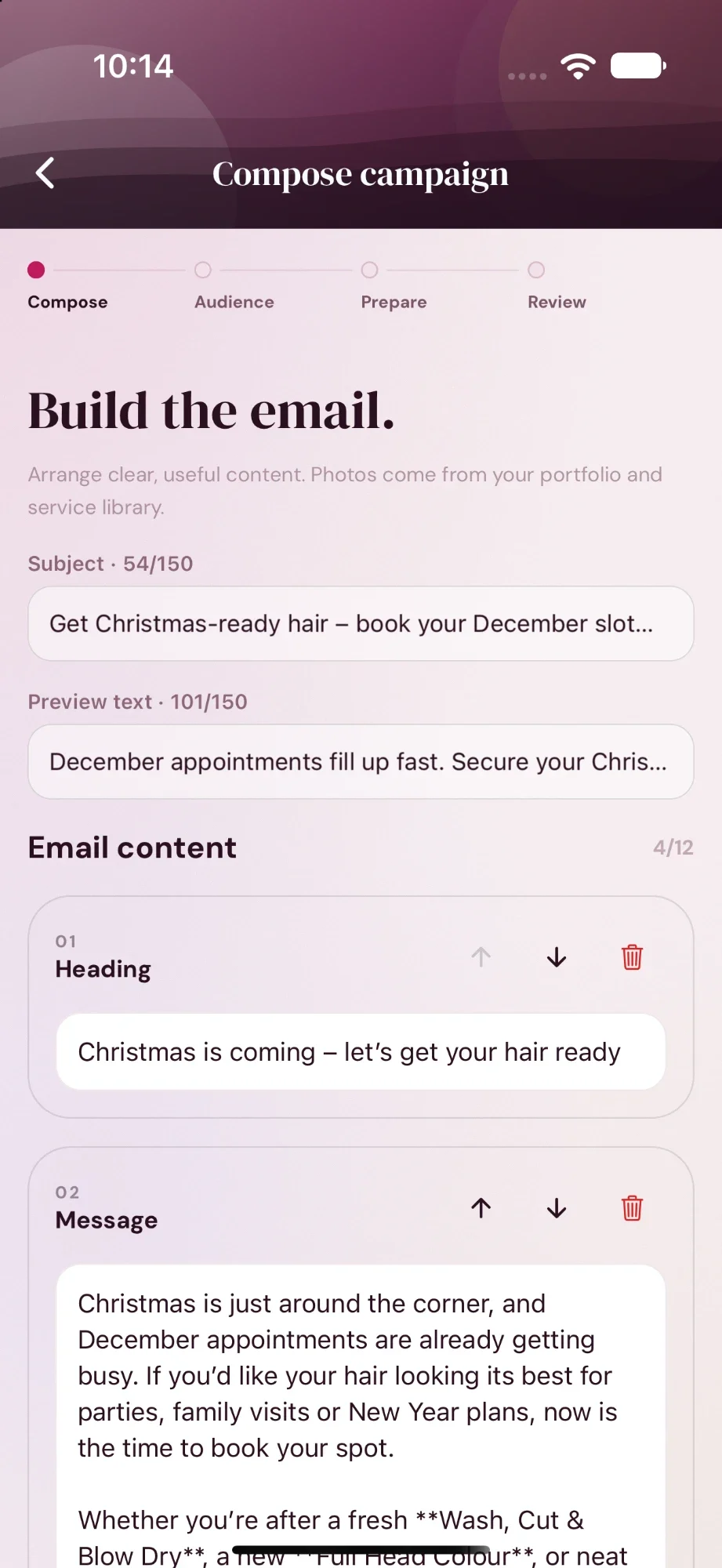
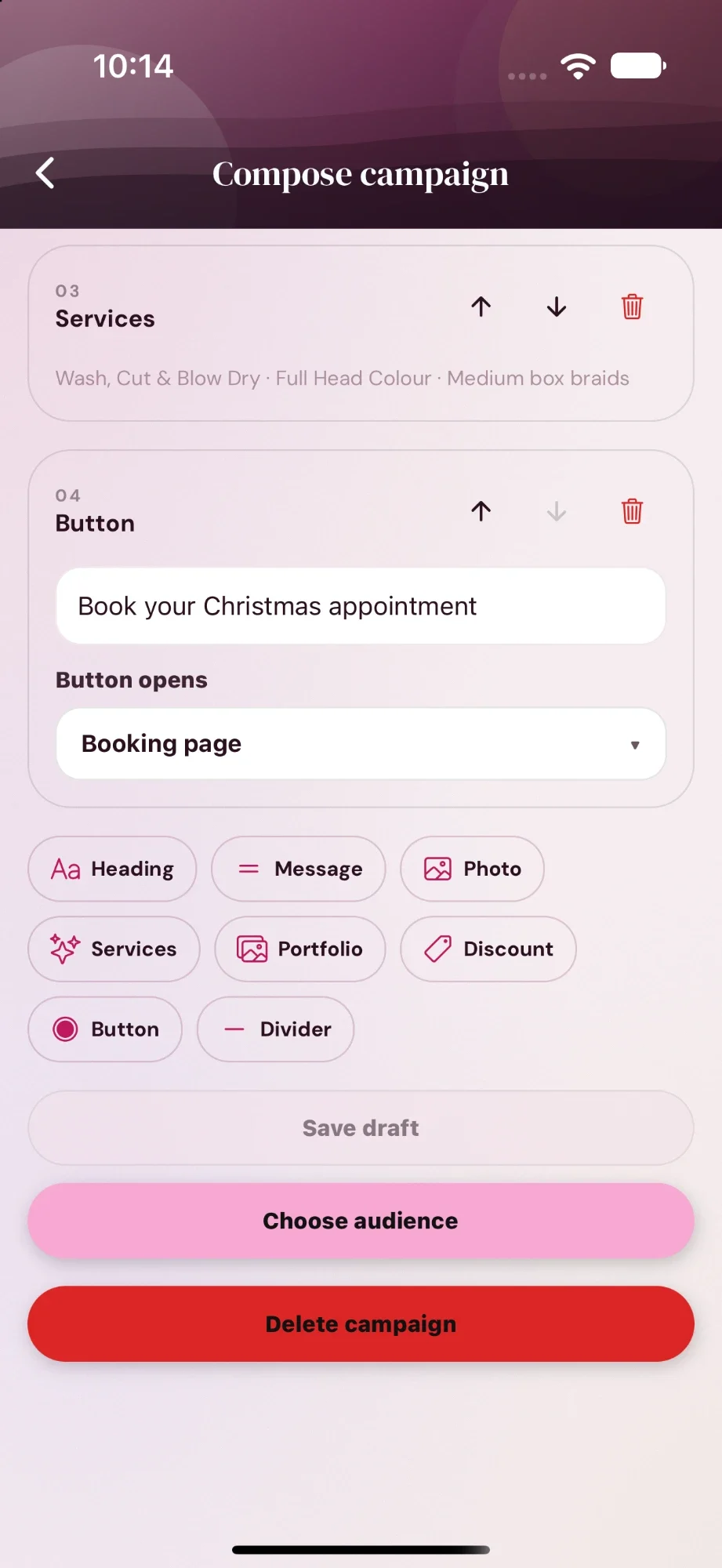
The draft is yours to edit.
Rewrite any block, move it up or down, or add more: photos, services, your portfolio, a discount, a button.
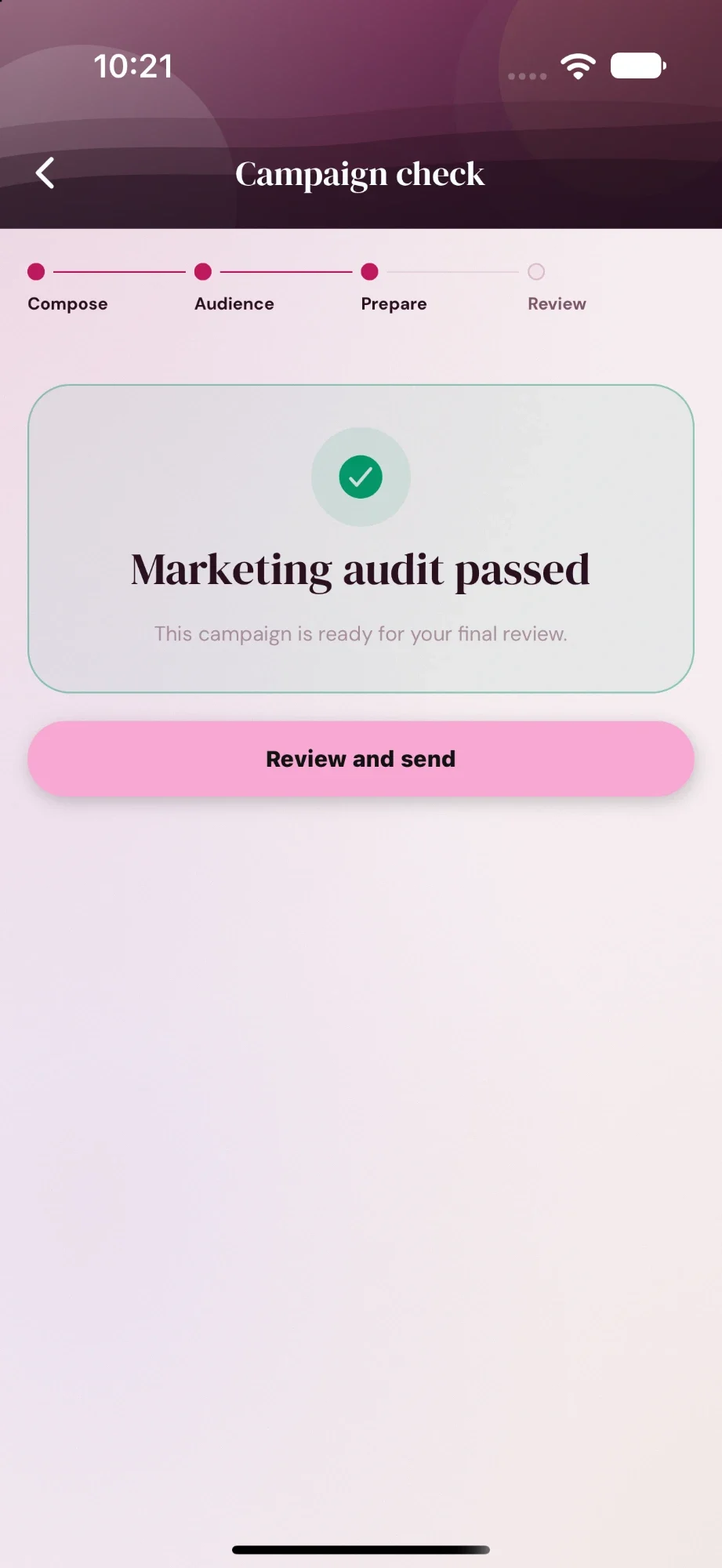
Checked before it can send.
A marketing check runs on the final wording.
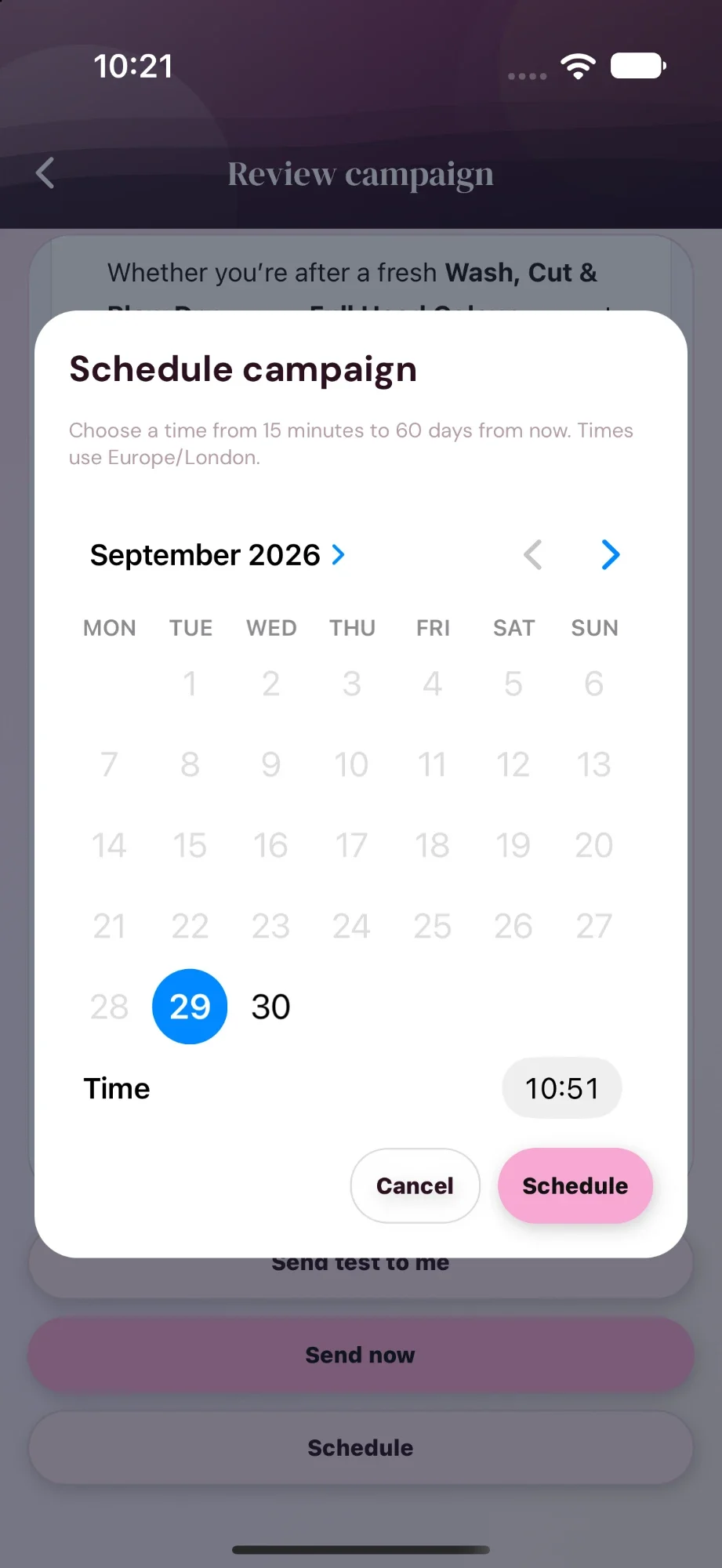
Send now or schedule.
Consent is checked again at send time. Schedule up to 60 days ahead.
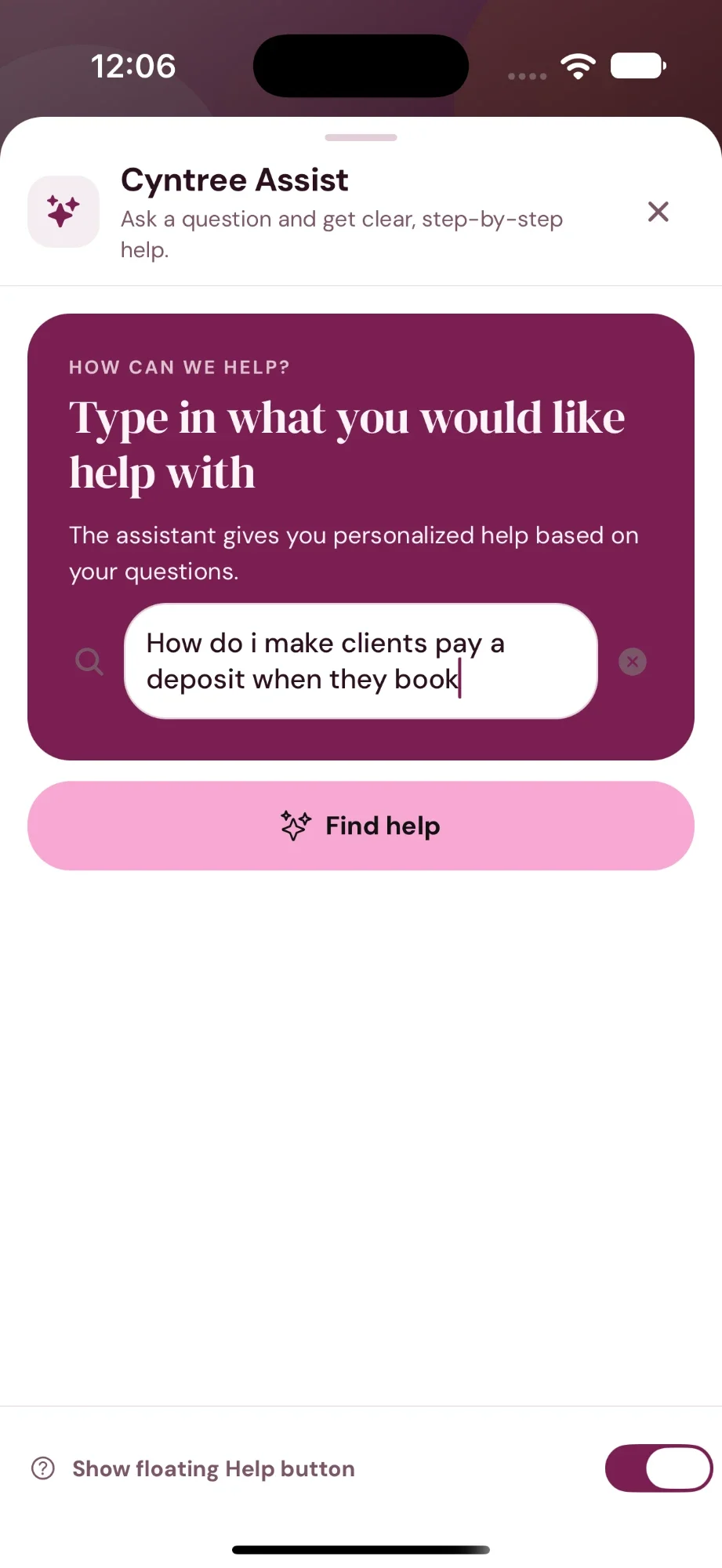
Stuck? Just ask.
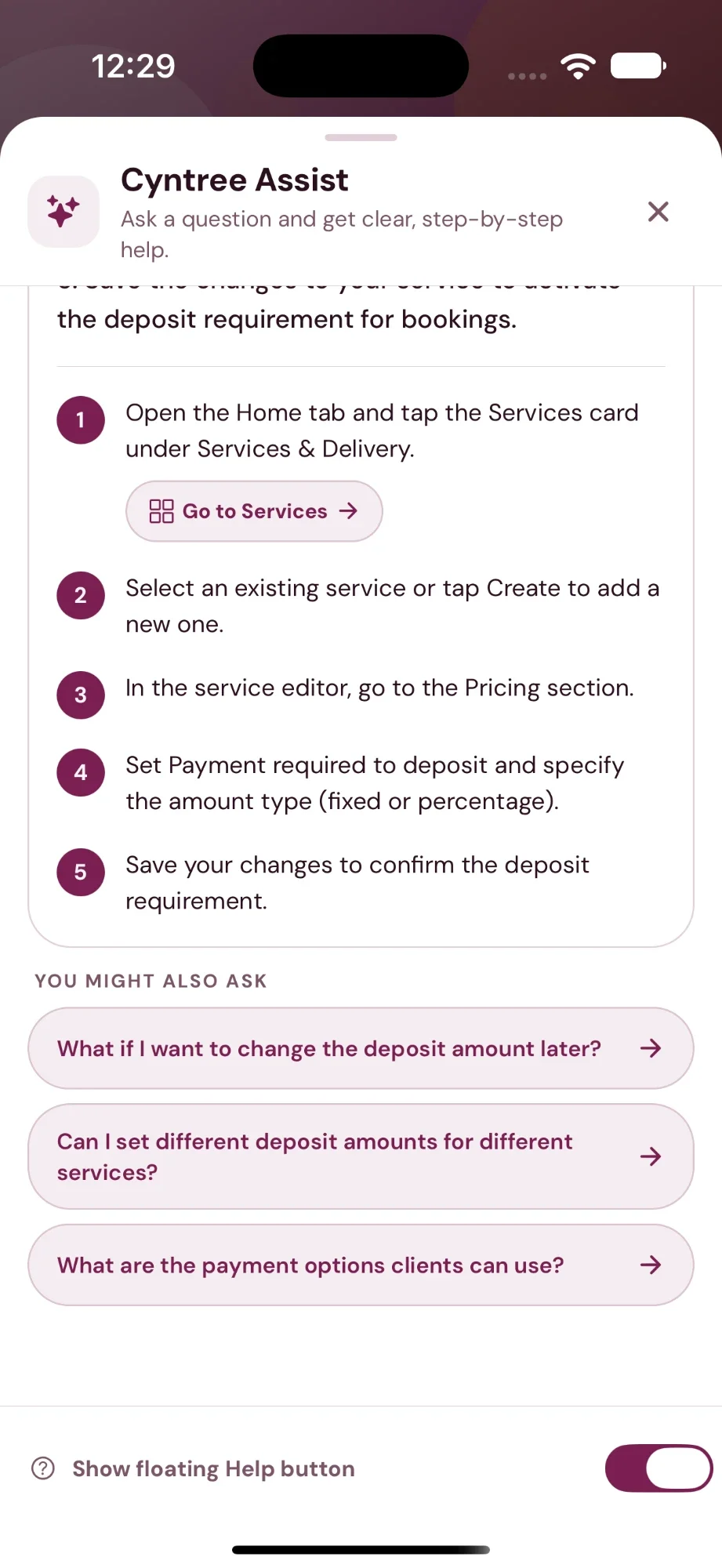
Ask Assist how to do anything in Cyntree, the way you would ask a colleague. You get the steps, and a button that takes you straight there. On every plan.
- Answers come from Cyntree's own guide to the app.
- Suggests the next question you are likely to have.
- Open it any time from the floating Help button.
A whole booking site, too.
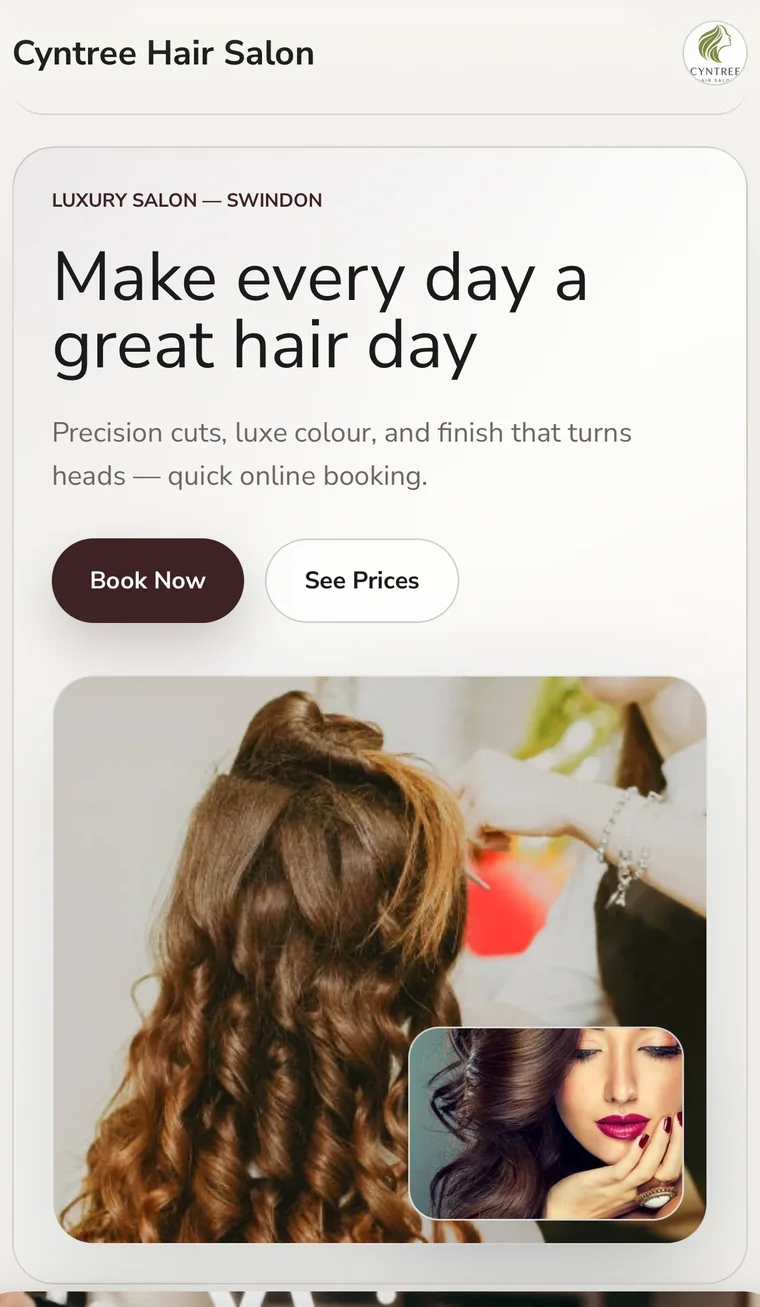
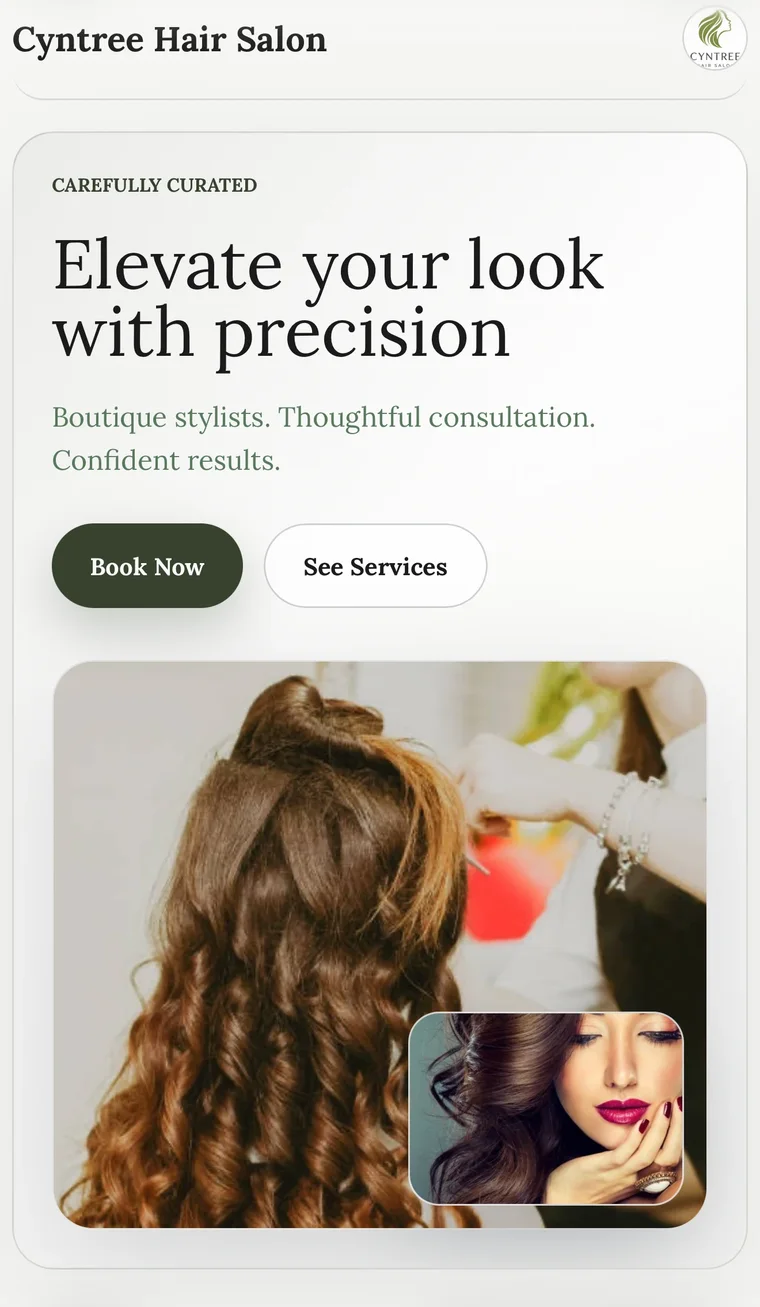
Pick a mood, colours and fonts, add a line about what you do, and the AI website builder gives you a finished site to tweak. Premium.
See sites it has built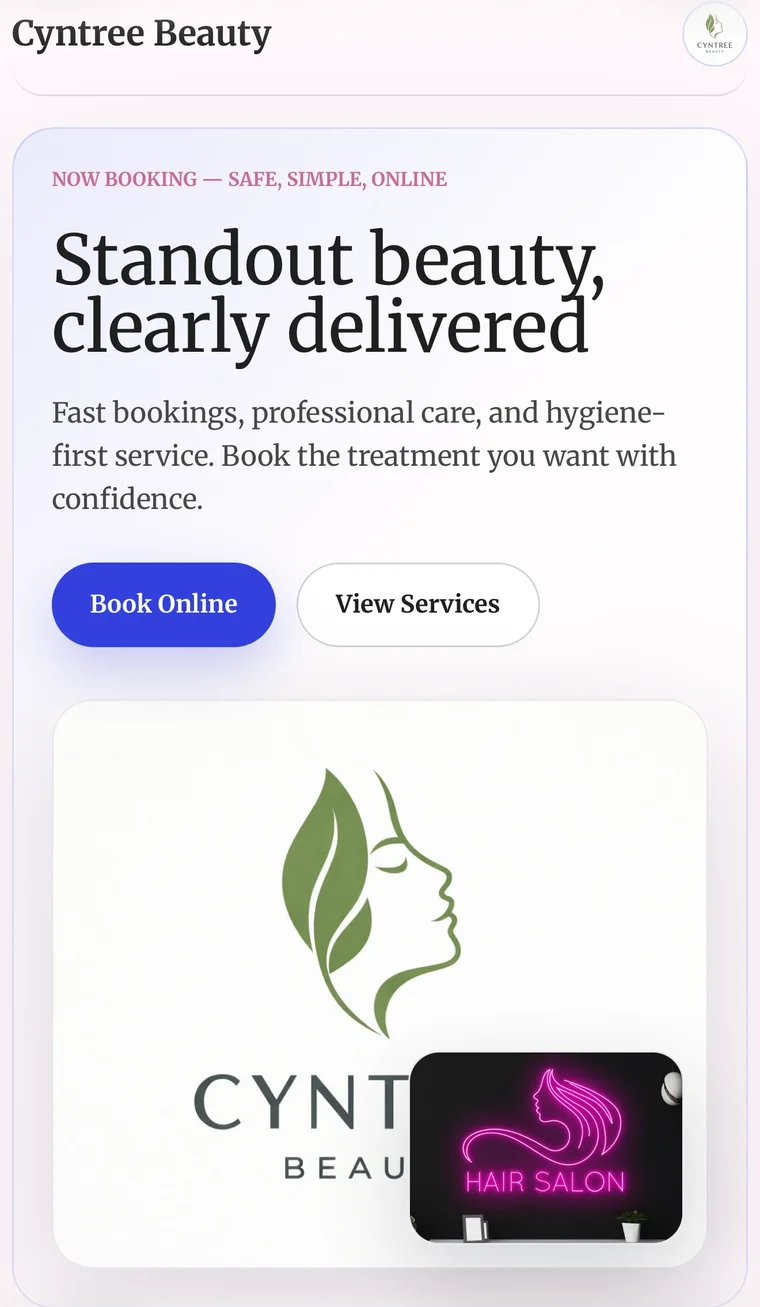
Business descriptionEvery plan
A short, clear about-us for your booking page, written from your details.
Staff biosTeams
A friendly introduction for each professional on your team.
Where Assist is included
Cyntree Pro
- Service drafting
- Quick Invoice drafting
- Discount offers and offer emails
Cyntree Premium
- Everything in Pro
- Client forms and answer summaries
- Email campaigns with the marketing check
- AI website builder
The help chat is on every plan, including Starter. Cyntree Teams includes everything in Premium, and Premium comes with a 30-day free trial. Compare plans